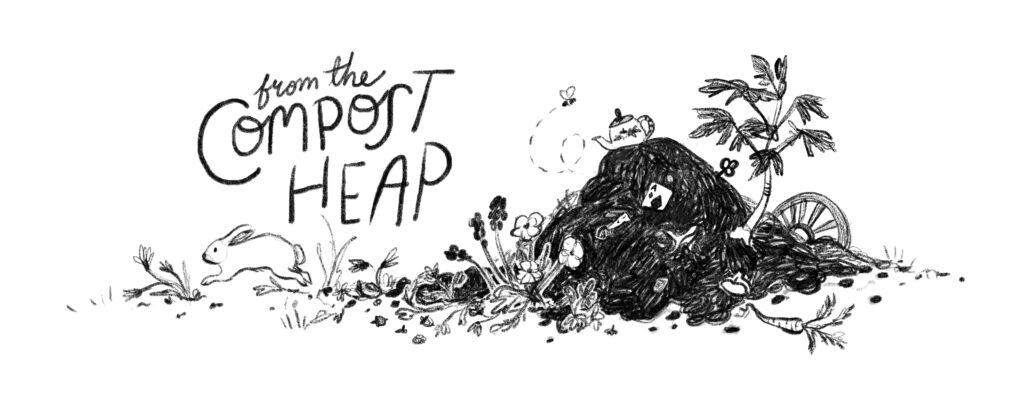
From the Compost Heap header. A pencil style illustration of a compost heap with flowers and plants growing around it. A bee buzzes by and a white rabbit hops by.
  • I remember the moment I discovered kening zhu’s website.

    I was taking a break from Substack and discovered are.na.

    It followed a warren of rabbit holes chasing one link after another until I landed on kening’s homepage.

    I won’t spoil the surprise for anyone who hasn’t been there, but I was filled with delight and curiosity and wonder.

    When I set about to move webhosts I started recreating my minimalist artist’s gallery. But it didn’t feel right.

    Serendipity (or magic) kening’s podcast episode Website as Cocoon waited in my podcast reader and was just what I needed to hear.

    I pulled out my journal and started scribbling lists of places I wanted in my online world. I could still have an art gallery, but the rest of my site would expand to hold the whole of me. And, perhaps, the whole of you.
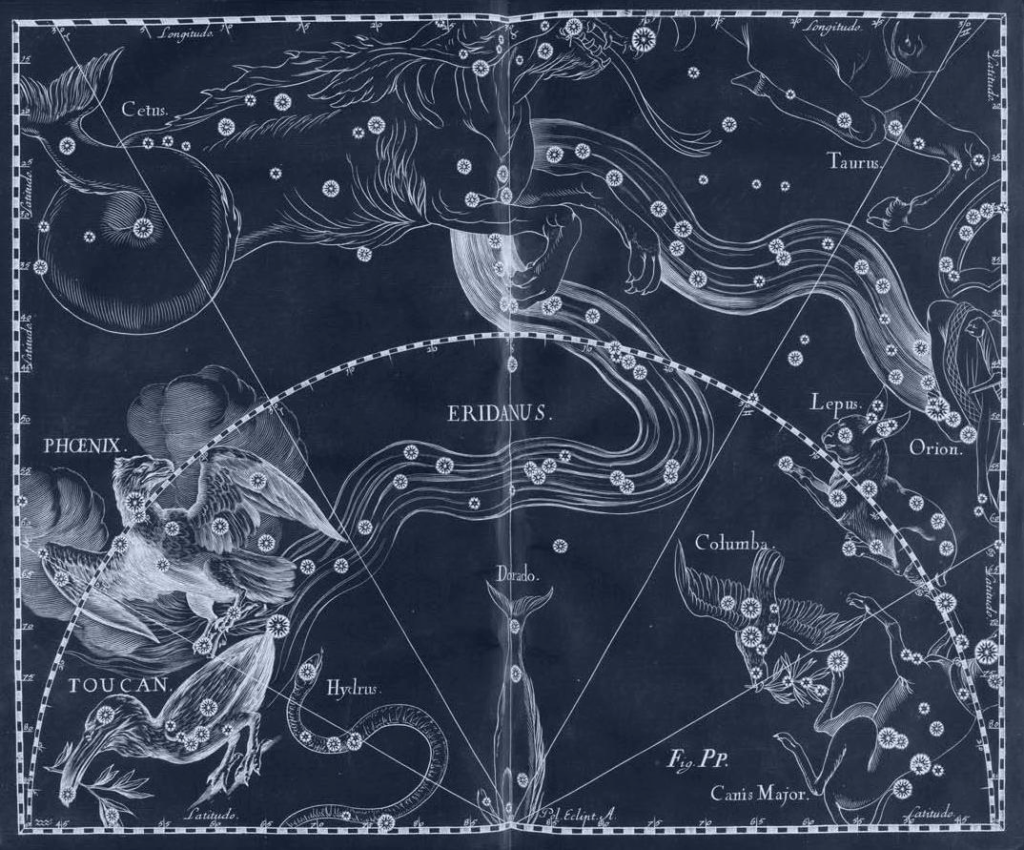
    Vintage blue constellation map including Lupus the rabbit and other zodiac signs

    I followed links to a constellation of other podcasts and blog posts from kening about websites and creative process.

    It felt like connecting with kindred spirit over an endless pot of tea.

    So grateful for the invitation to inhabit a dreaming space while I recreated my website.

    Click here to tumble into kening’s world.

    Read more: untitled post 156077992
  • Artist

    Edward J. Woolsey

    Date

    1869

    From

    Specimens of Fancy Turning

    “the figures were created using geometric, oval, and eccentric chucks and an elliptical cutting frame [on a lathe]” (via Public Domain Review)


    Source

    Philadelphia Museum of Art

    Read more: untitled post 156077988
  • Customizing App Icons

    March 31, 2018

    Today I mentioned on IG that I force my phone to load the old brown app icon.

    I did this because it reminds me of the early days when IG was just for fun. But you can also change any app to any other icon. Like magic. ✨

    This is a little thing, but it’s something I interact with everyday and therefore part of my creative ecosystem.

    Several of you asked me how to do this. Here’s how it works on iPhone. (I’m sure other phones can do this too. Just search “custom icons” and your phone model.)

    You can see I went a little crazy with customizing icons last winter. 😂 But I never found a Notion or Safari design I liked. Instagram is usually in a folder, but I dragged it out for this screenshot. 📸

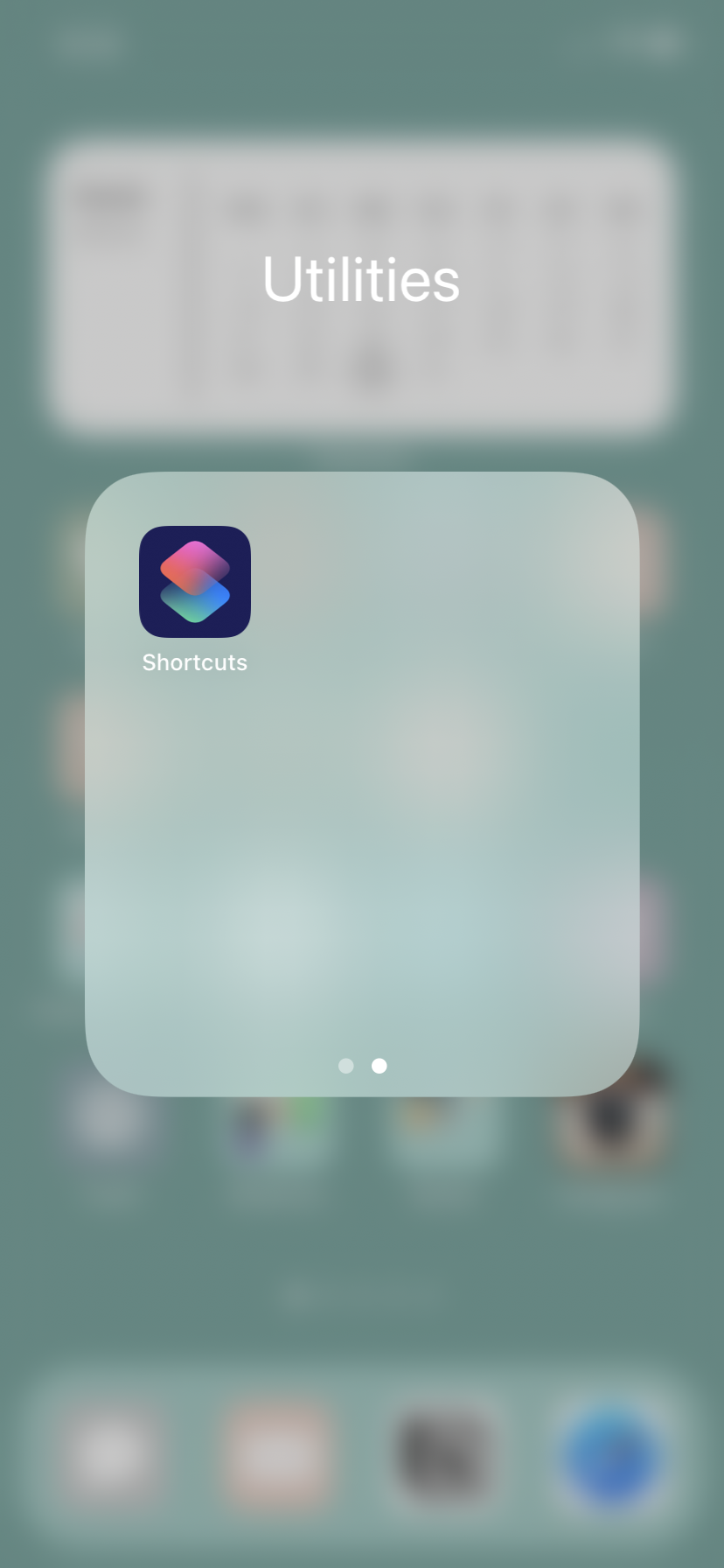
    1. Use the Shortcuts app. It’s free from Apple.
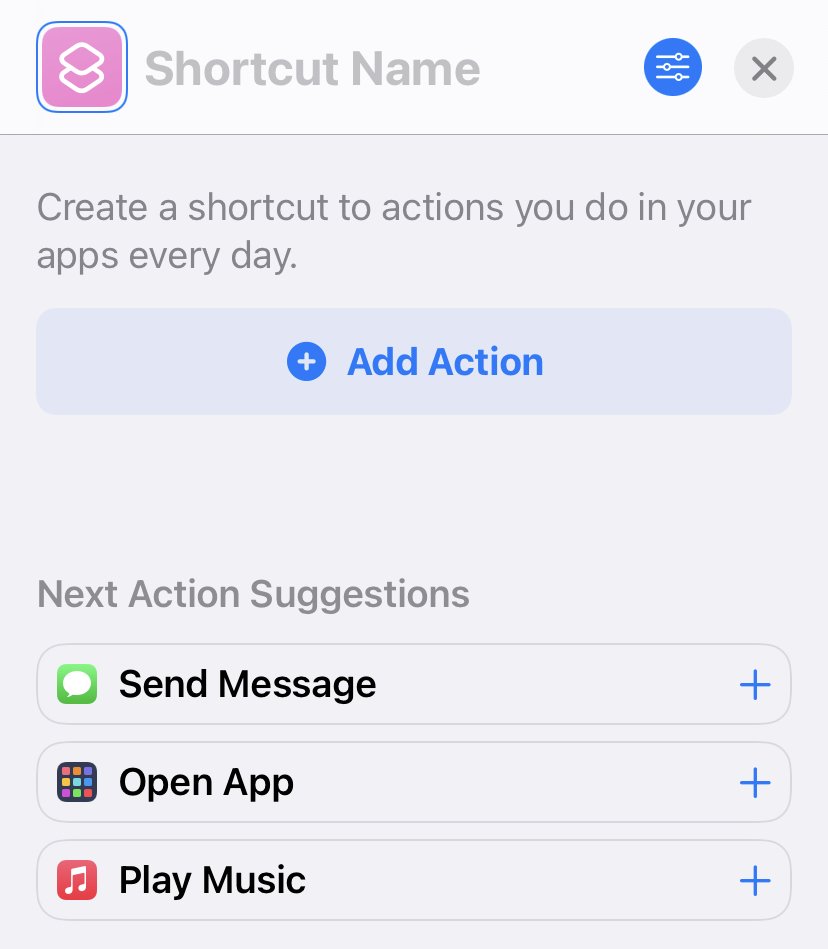
    1. Tap the plus in the right hand corner.
    1. Tap suggestion “Open app.”

    (If that doesn’t show up click “Add action.” Then type “Open app.)

    1. Type in “Instagram” (or whatever app you’d like to customize.)
    1. Tap the “Share” button with up arrow at the bottom of the page.
    1. Click “Add to Home Screen.”
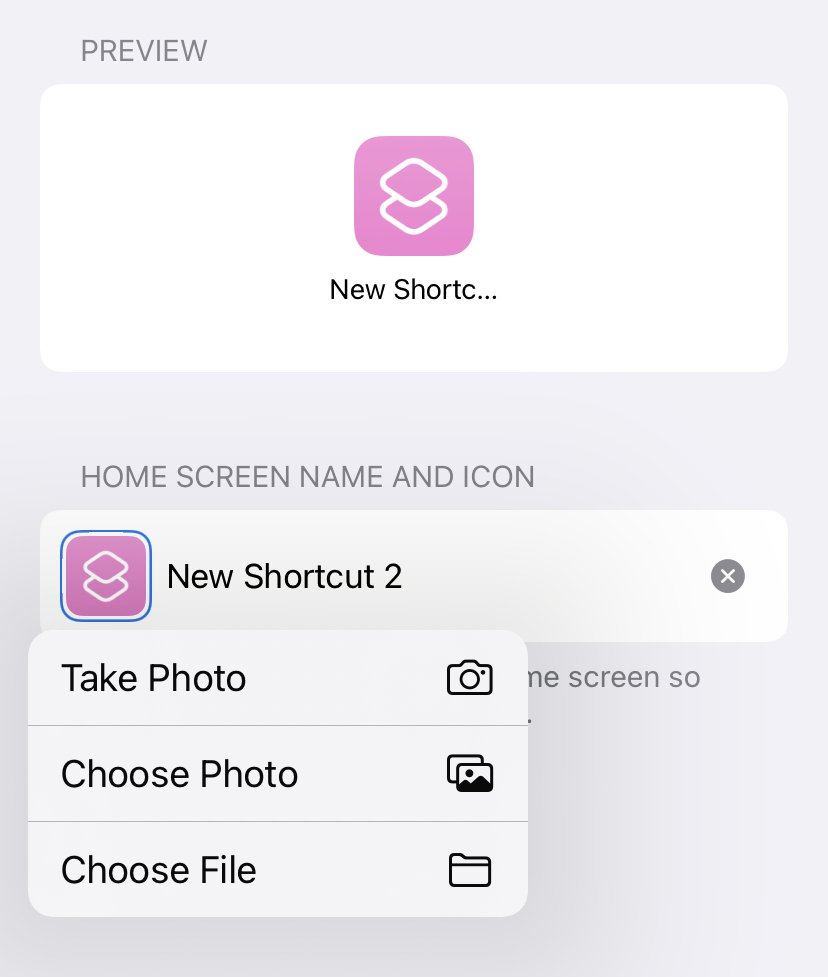
    1. Tap default icon and “Choose Photo.” (I just did a Google search to find the old logo.)
    2. Type “Instagram” into the text box.
    3. Tap “Add.”

    You are essentially making a shortcut so you have to save the actual apps in a folder somewhere. If you delete them your new icons won’t work.

    Huzzah! You’ve done it!

    Read more: Customizing App Icons